Symptoms
After installing/attaching agents the state is displayed as “Not monitored”

Note: The agent will likely appear this way after first installing/attaching. wait 24 hours for it to auto-configure and only assume failure if it is still showing the same status after this
Resolution
- Connect to server that is displayed as “Not monitored”
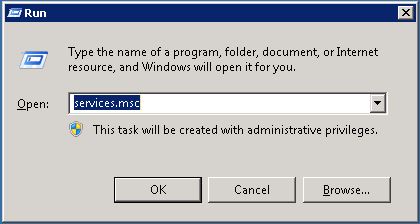
- Open the run box and type “Services.msc”
- Locate service named “System Center Management”
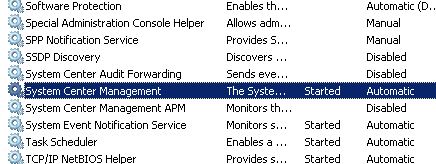
- Right click and stop service

- Browse to C:\Program Files\System Center Operations Manager\Agent
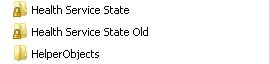
- Change folder name to “Health Service State Old”

- Start service and make sure that a new folder is created
- Wait 5 minutes and refresh SCOM console to ensure that agent is now monitored



 Liam Matthews IT
Thank you so much…